Openers · Barrie
Smart Garage Controller Setup
A smart hub arrived in the mail with a coin-cell sensor and two wires.
In plain words
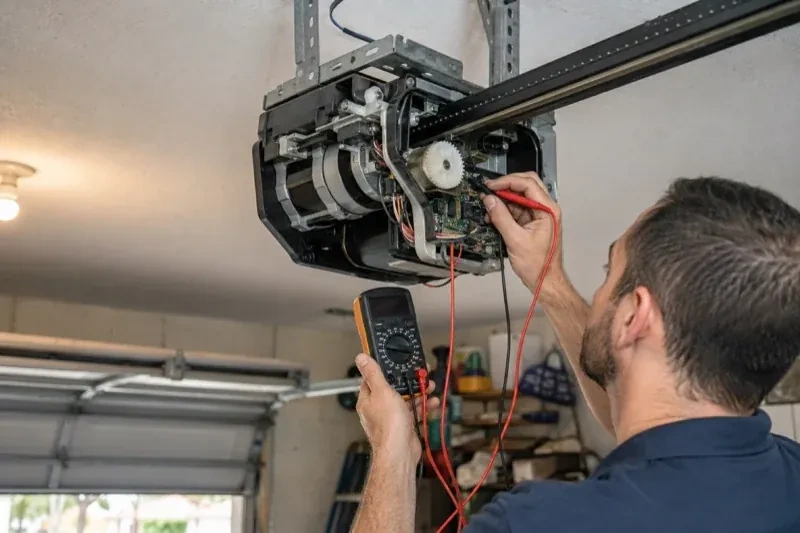
The physical part of the job is modest and tidy. A hub the size of a deck of cards is mounted near the opener and plugged into the same receptacle the motor uses. Where the opener allows, two low-voltage wires run from the hub to the wall-control terminals; where it does not, the hub is taught to the opener through the learn button like an extra remote. A sensor the size of a matchbox is screwed to the inside of the top door section, and its tilt tells the hub the door's position. Then the door is cycled until the app agrees with your eyes.
How the visit goesThe house came with a controller already screwed to the garage ceiling and a sensor on the door, but the app insists the device belongs to another account. The seller has moved provinces, the emails go unanswered, and every evening the door still reports to a stranger's phone.
Smart Garage Controller Setup
How the visit goes
The door before the app
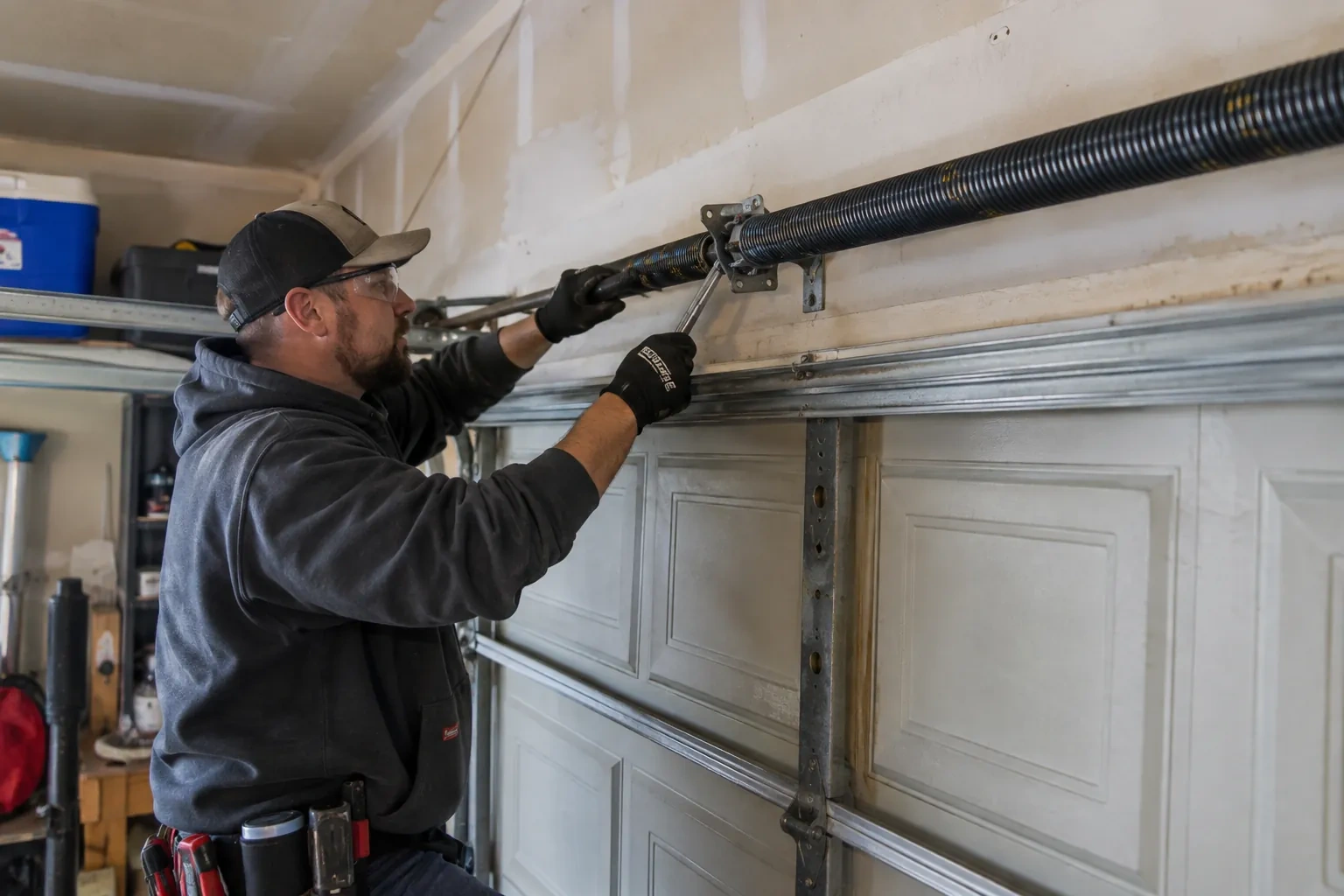
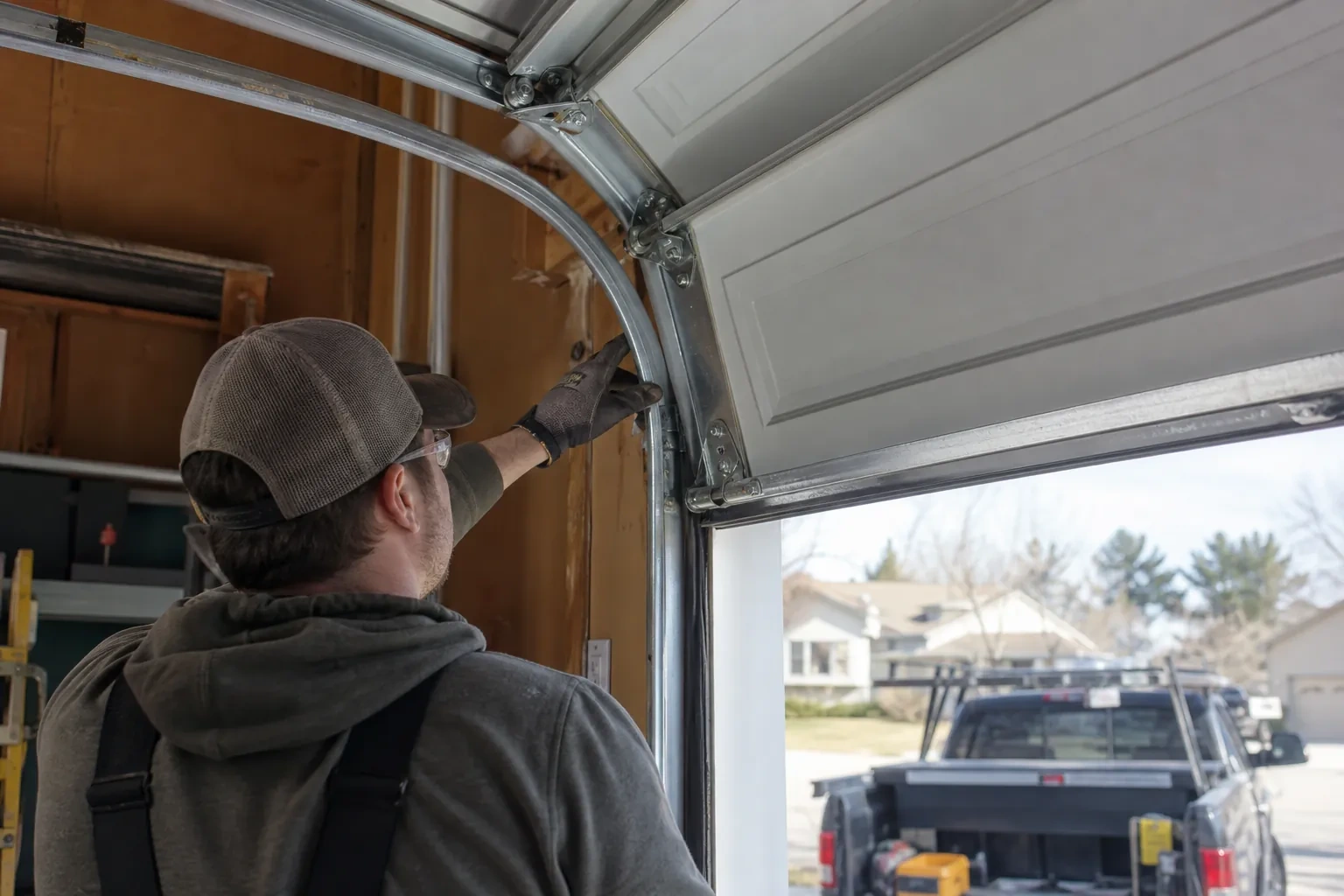
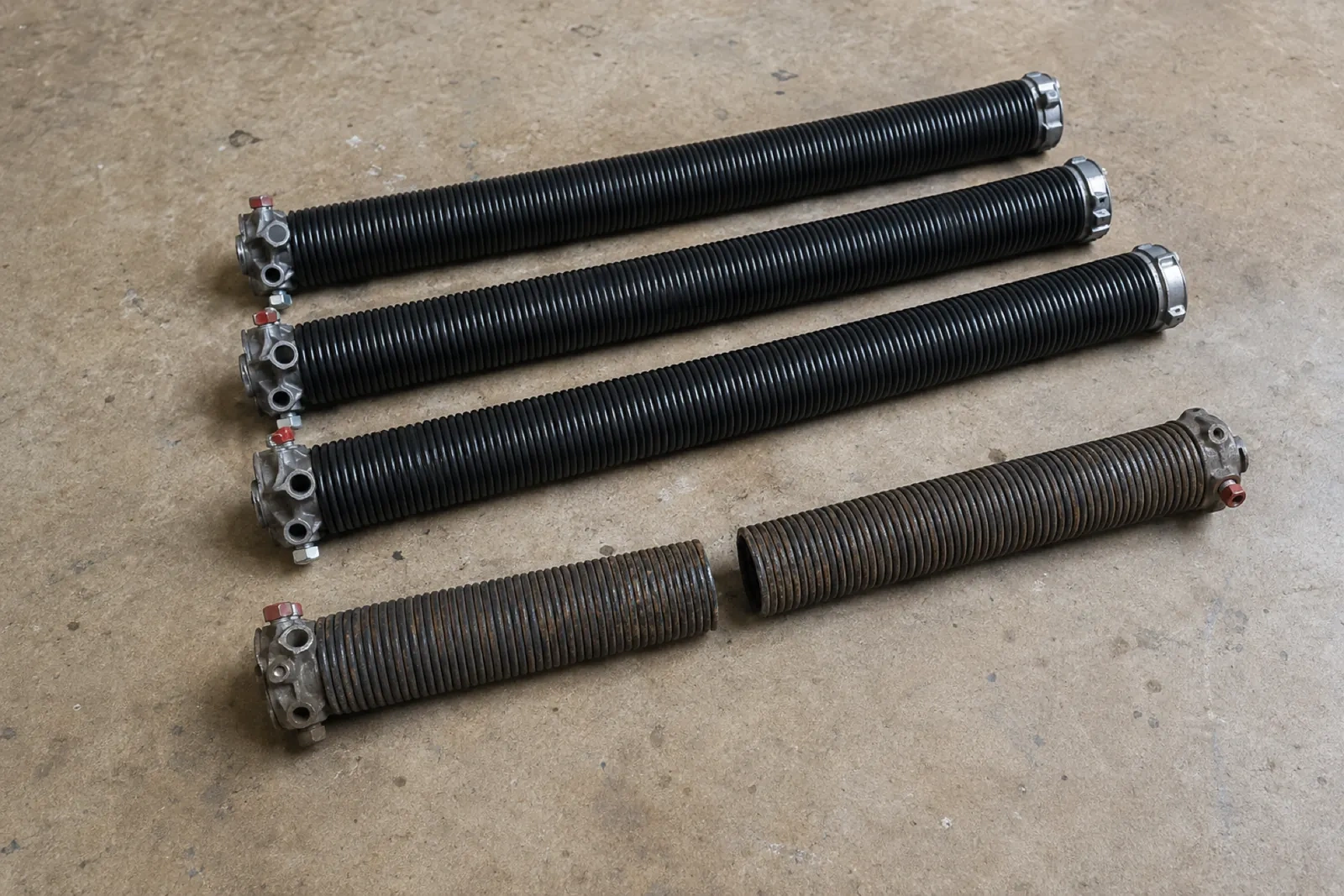
A smart controller sits on top of a mechanical system, so the mechanical system is checked first. With the door closed the trolley is released and the door lifted by hand: it should rise with modest effort, hold at about a metre and stay fully open. Rollers, hinges, cables and track are looked over, and the opener is run from the wall control to watch its travel and hear its drive. A balanced, smooth door gives the controller reliable position reporting and gives you an opener that is not straining every time your phone asks it to move. Anything found here is put right before the connected part begins.
Taking over a controller left by a previous owner
When the house came with a hub or a connected opener still tied to the seller's account, the device is first removed from that account if the seller can be reached, and otherwise reset to factory settings using the maker's documented procedure. The hub or opener is then paired fresh, joined to your network and claimed under your new login. Any sensor already on the door is checked for battery and placement and re-paired rather than assumed to be working. The old account is cut off from the door for good, and the history you see from then on starts with your household.
A record of what was installed
You receive a short record for the house file: the opener model and serial, the controller model and where it is mounted, the sensor position and battery type, the network name the hub is joined to, and the date of setup. Passwords are deliberately absent from it. The record is what makes a later change simple, whether that is a new router, a second door, a replacement sensor or a future opener, because whoever does the work can see at a glance what is already there. It also tells a buyer, one day, that the connected features on the door were set up properly.
Smart Garage Controller Setup
In the van
Lithium coin cell or cylindrical cells
Replacement photo-eye pair
Cable clips and insulated staples
Door-position tilt sensor
Dry-contact adapter for encrypted openers
Smart Garage Controller Setup
What affects the quote
Cellular backup if the home Wi-Fi goes down
A hub that only works over Wi-Fi stops reporting the moment the internet drops, which matters most during a storm. A cellular backup module keeps alerts and remote closing working through an outage, and whether one is added is decided once the household's connectivity is reviewed.
Number of doors
A second door means a second sensor, a second round of pairing and testing and sometimes a second hub, and each door is quoted as its own line.
Wiring route
Where the hub is wired to the wall-control terminals, the distance and route from hub to console, clipped clear of the chain and trolley, sets the time for that step.
What to have ready
- Is there an existing controller on the ceiling from a previous owner?
- How many garage doors do you want connected?
- How strong is your phone's Wi-Fi signal when you stand under the opener?
Smart Garage Controller Setup: questions
QuestionsCan I give a contractor or cleaner access for a day?
Most apps allow guest or scheduled access: a user invited for a set window, or a one-time code, that expires on its own. That is a better arrangement than lending a remote or sharing the family keypad code, because there is nothing to chase back afterwards and the history shows exactly when the door was used. The technician shows you how to create and revoke such access during the visit.
What does the colour of the learn button tell you?
On many openers the learn button's colour marks the generation of radio coding the unit uses, which decides how a hub can talk to it. Some generations accept a simple two-wire connection at the wall-control terminals; others use an encrypted console and need the hub paired by radio or through a small adapter. Sending a photo of the button and the label ahead of the visit lets the technician arrive with the right hardware.
Why does the door beep and flash before it closes from the app?
Because someone closing a door they cannot see needs to give anyone near it a warning. The operator standard for garage door openers requires an audible alarm and a flashing light for several seconds before a door moves on an unattended command, along with working photo eyes. The beeper and light are built into the controller for that reason, and they are tested during setup so you have heard them yourself.
Related services
- Chain-Drive Opener RepairThe door closes, touches the floor, then climbs straight back up as if it hit something.
- Belt-Drive Opener RepairHalfway up, every single time, the door hesitates and there is a ratcheting sound from the motor head, then it carries on.
- Garage Door Opener ReplacementThe opener in the ceiling is older than the car parked under it.